
Ninja Kit: Complete Kit InstructionsUpdated 8 months ago
Start by adding a metal plate to the back of the phone, and take the back paper backing off, to get the plate to stick to the phone.
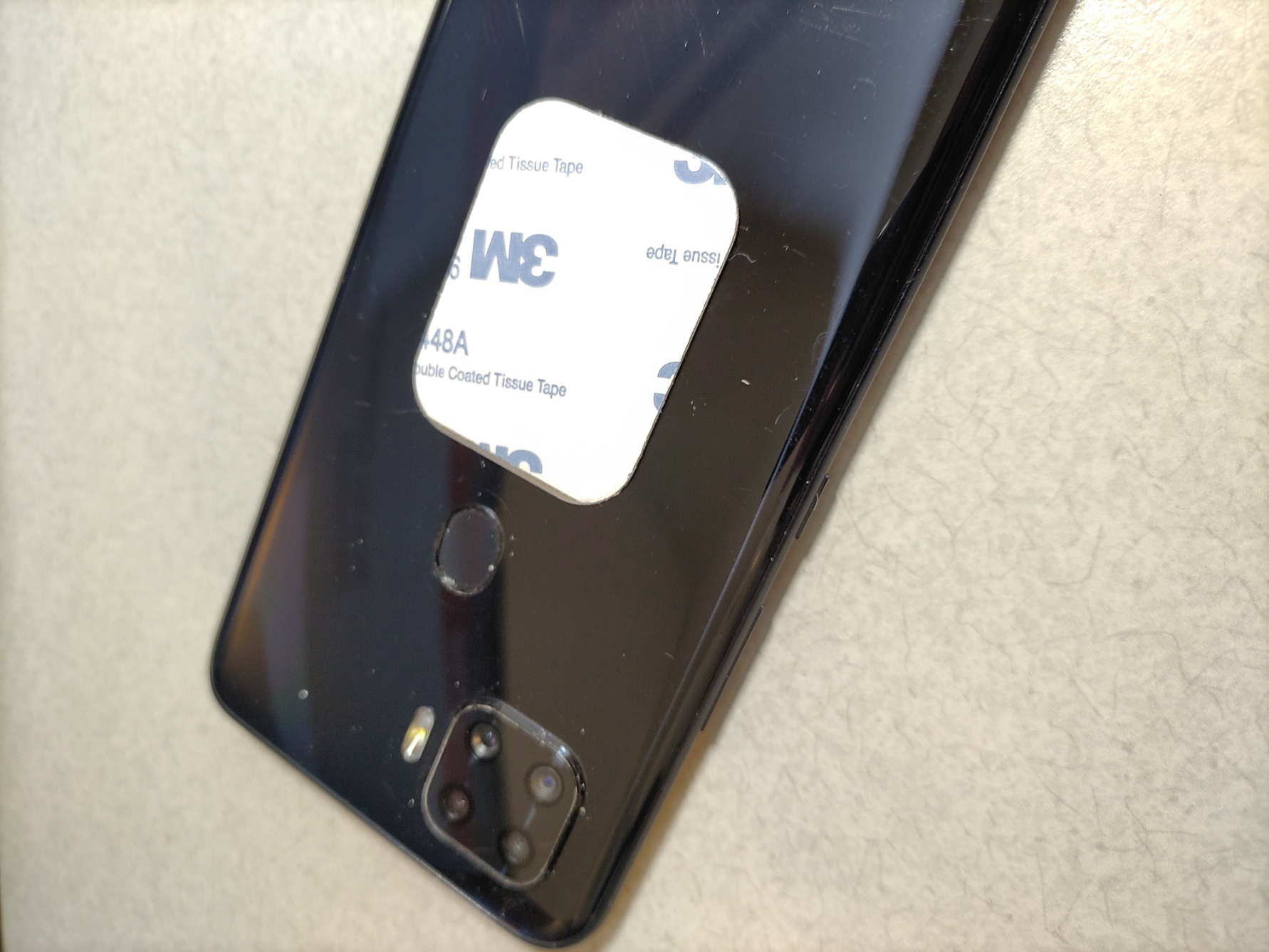
Now take off the protective plastic protective film:
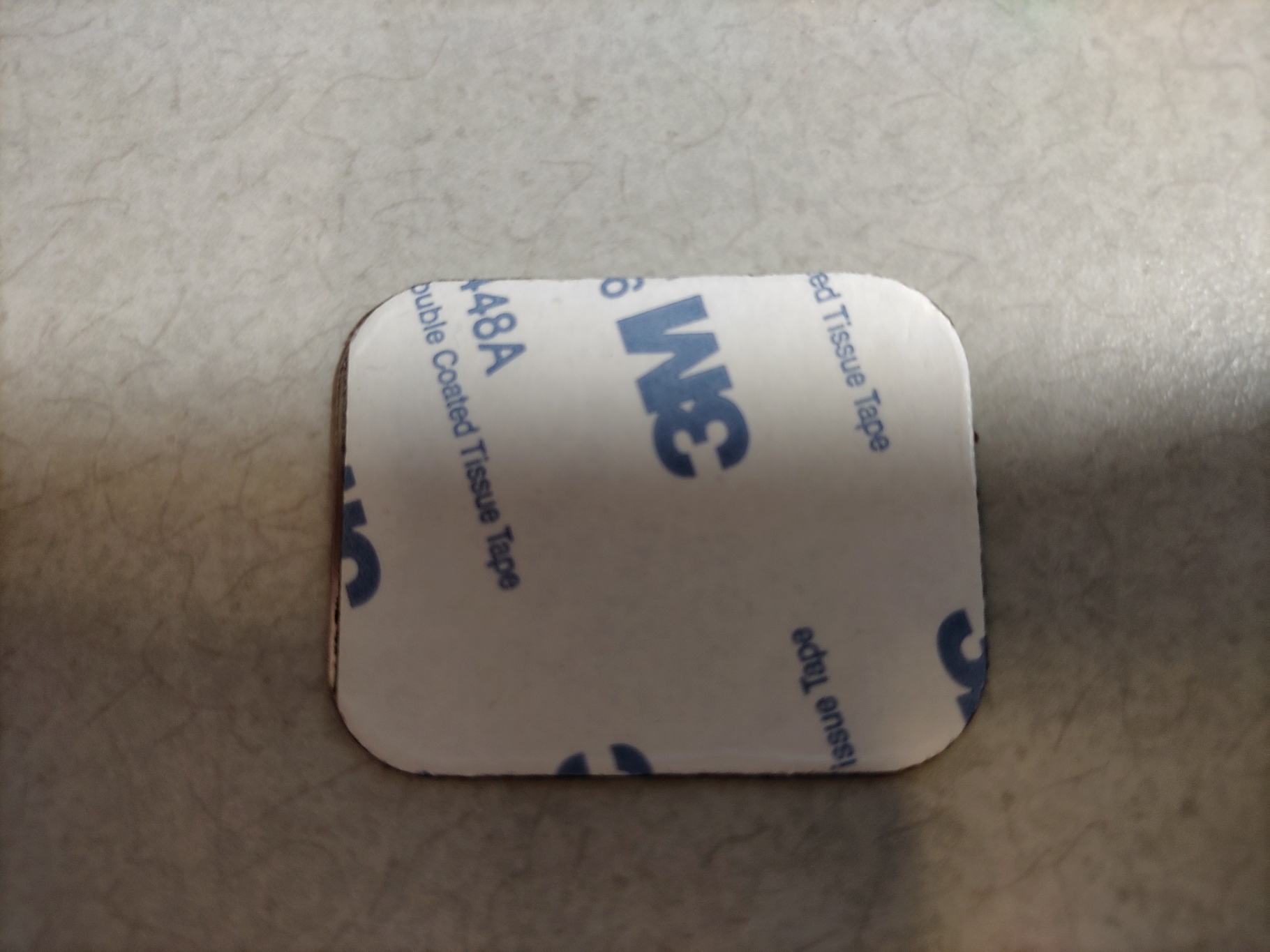
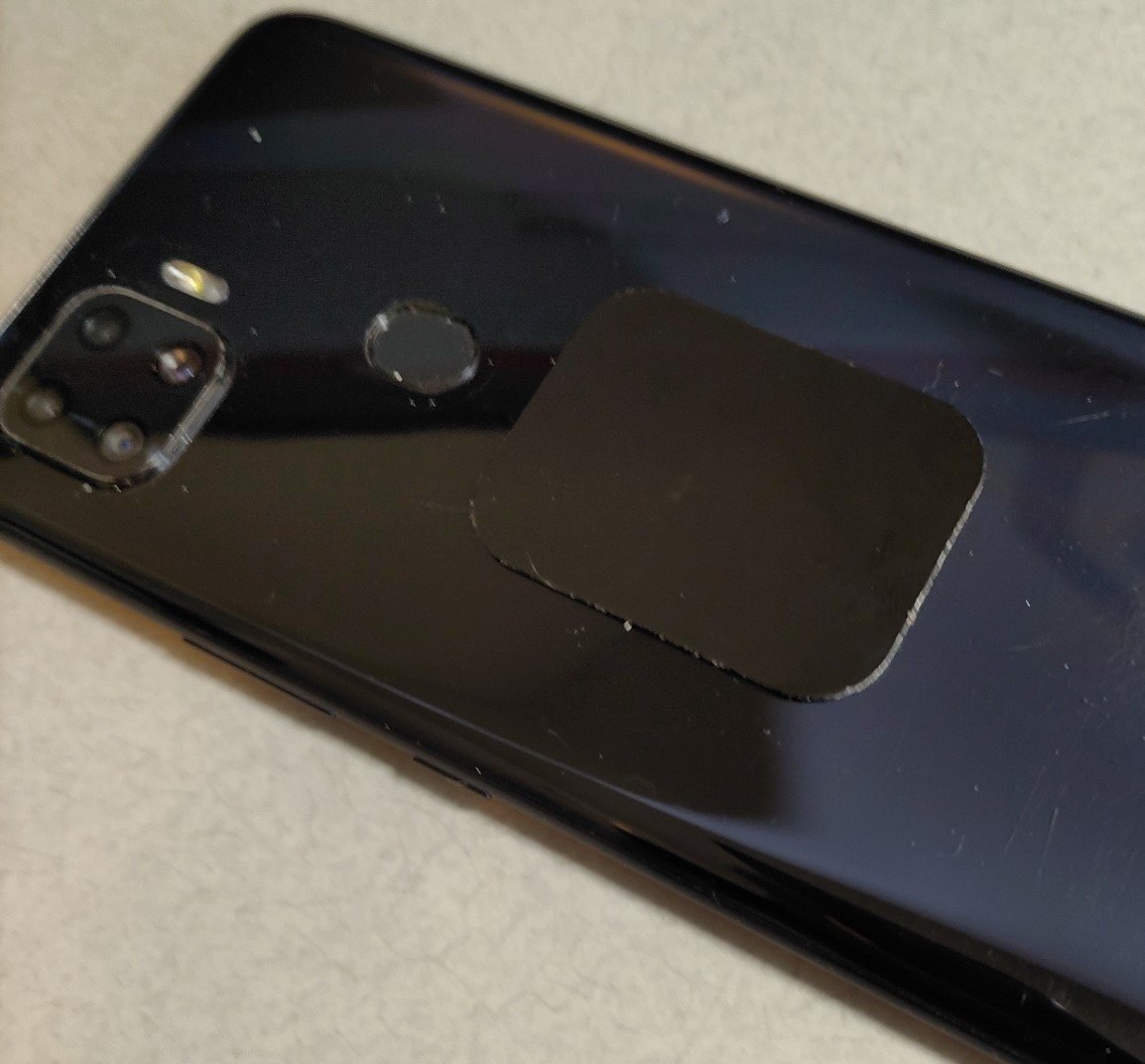
Stick the sticky side to the camera on an area of the phone that will work for you and the magnet attachment.
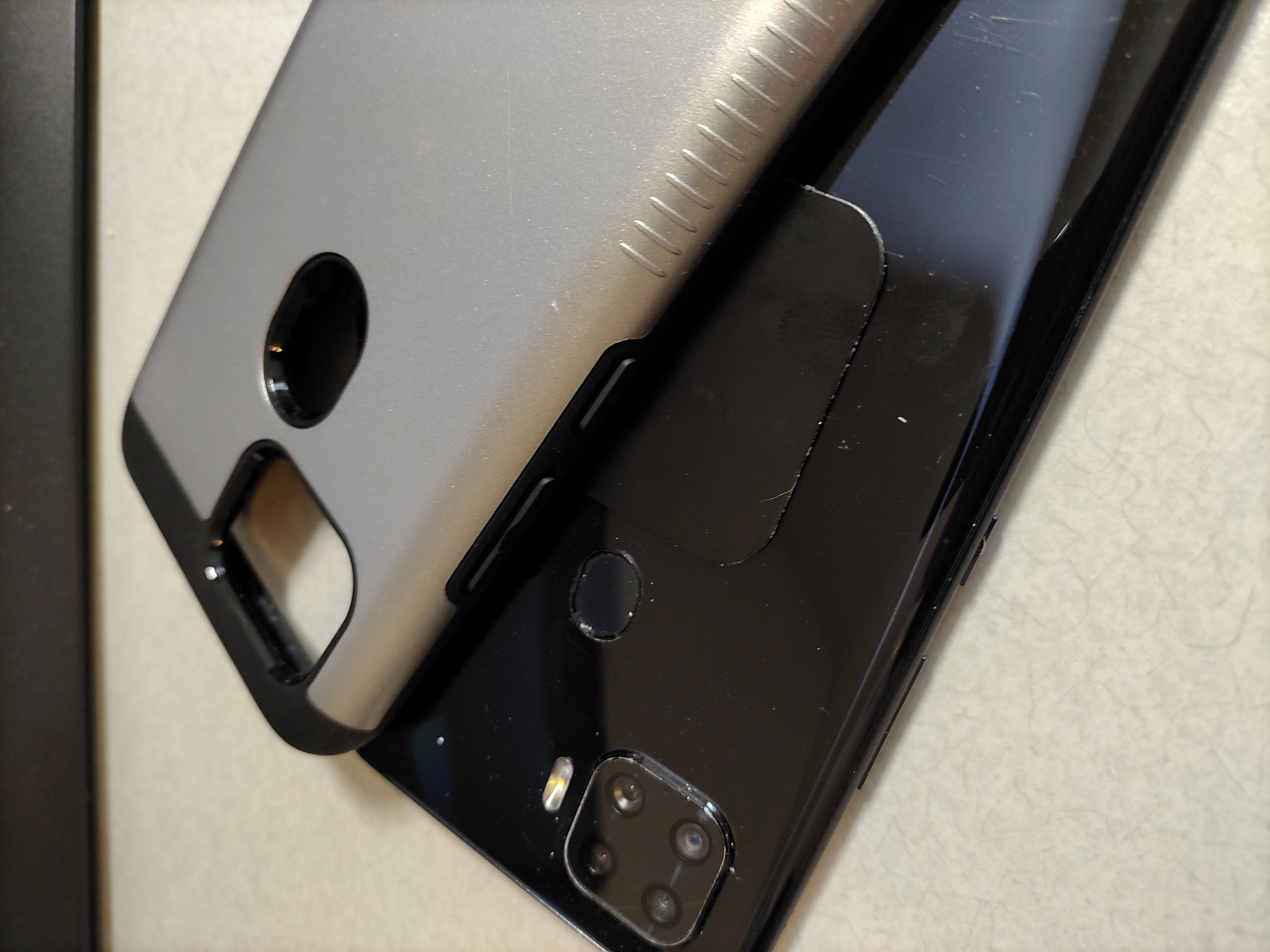
You can also just put the plate under a Phone case without using the adhisve tape to the phone
Now how to add the Mirage Mirror Insert to the plate:
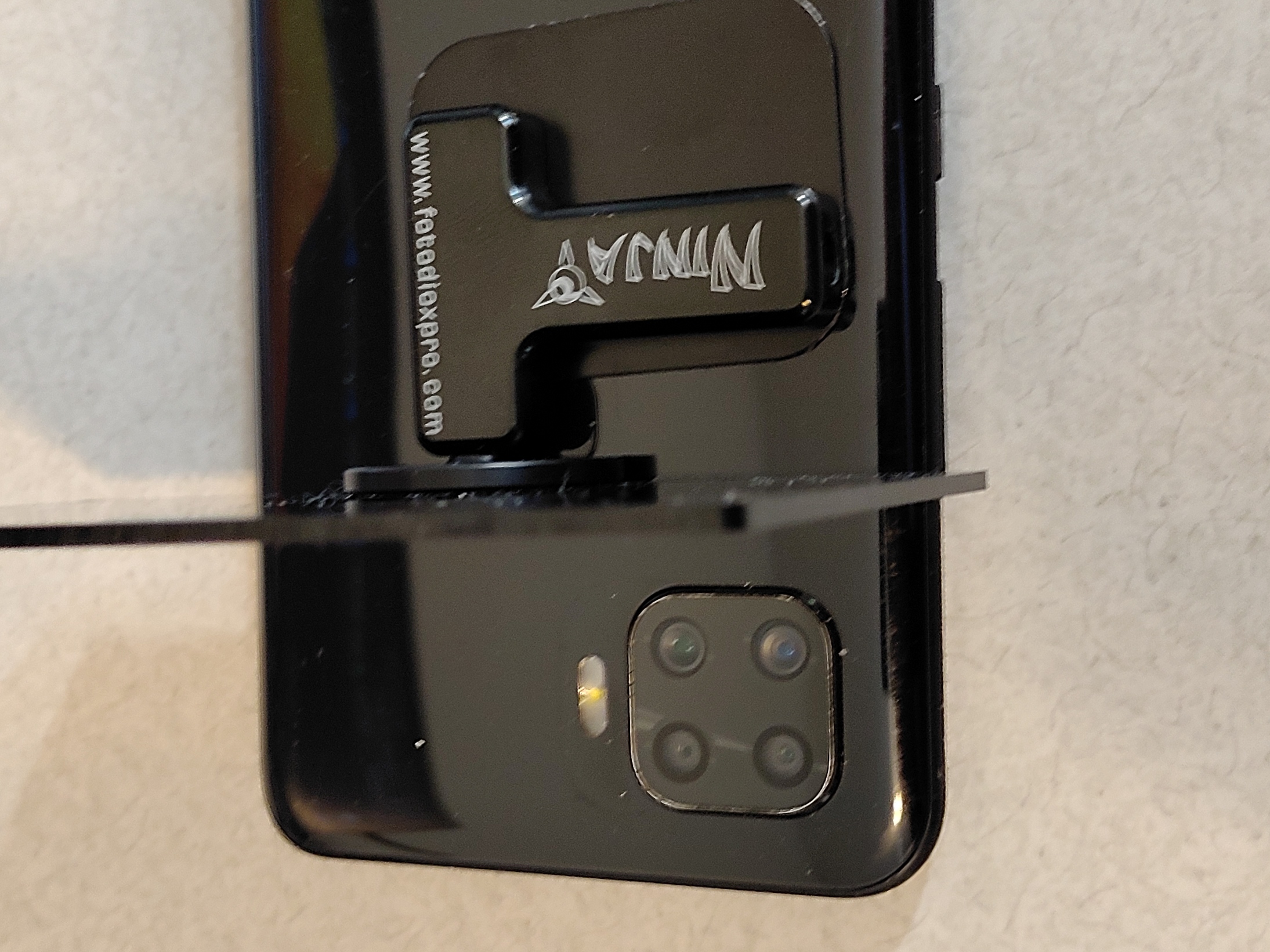 You can choose T mount area
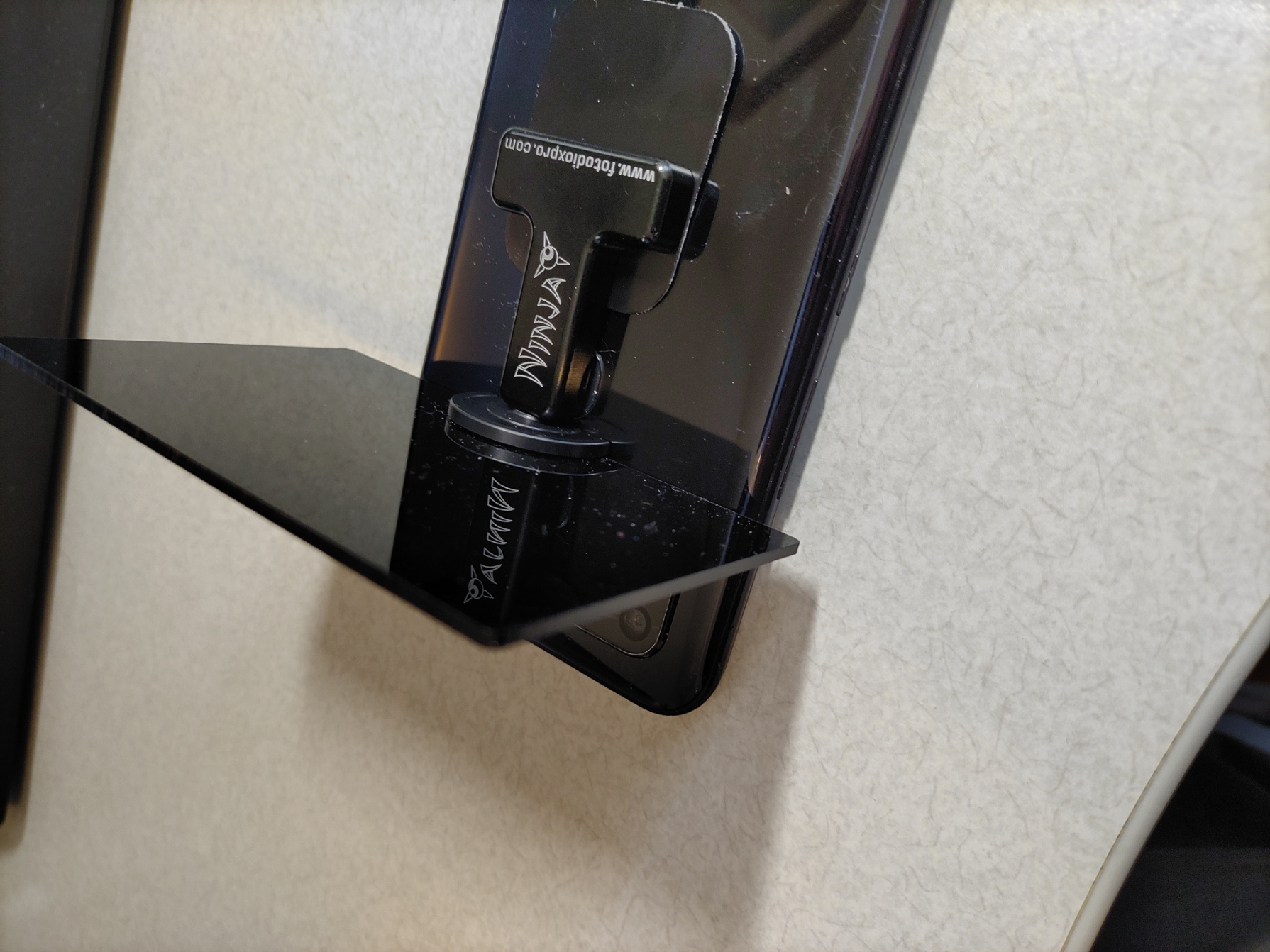
Or you can choose another end
Now add the Mirage Mirror Insert on the camera
How to add Macro Insert to Phone
How to add Filter Insert to Phone
Adding Hood 55mm Insert to Phone